A black hole that eats any website.
Click anywhere on a page. Letters tear off one by one, spiral into a glowing accretion disk and fall past the event horizon. Images shatter like glass plates. Throw one hole into another and they merge with a gravitational wave. Press Esc and a white hole puts every letter back where it was.
One 61 KB script. No install, no tracking, nothing leaves your browser. Click anywhere on this page to try it right here.
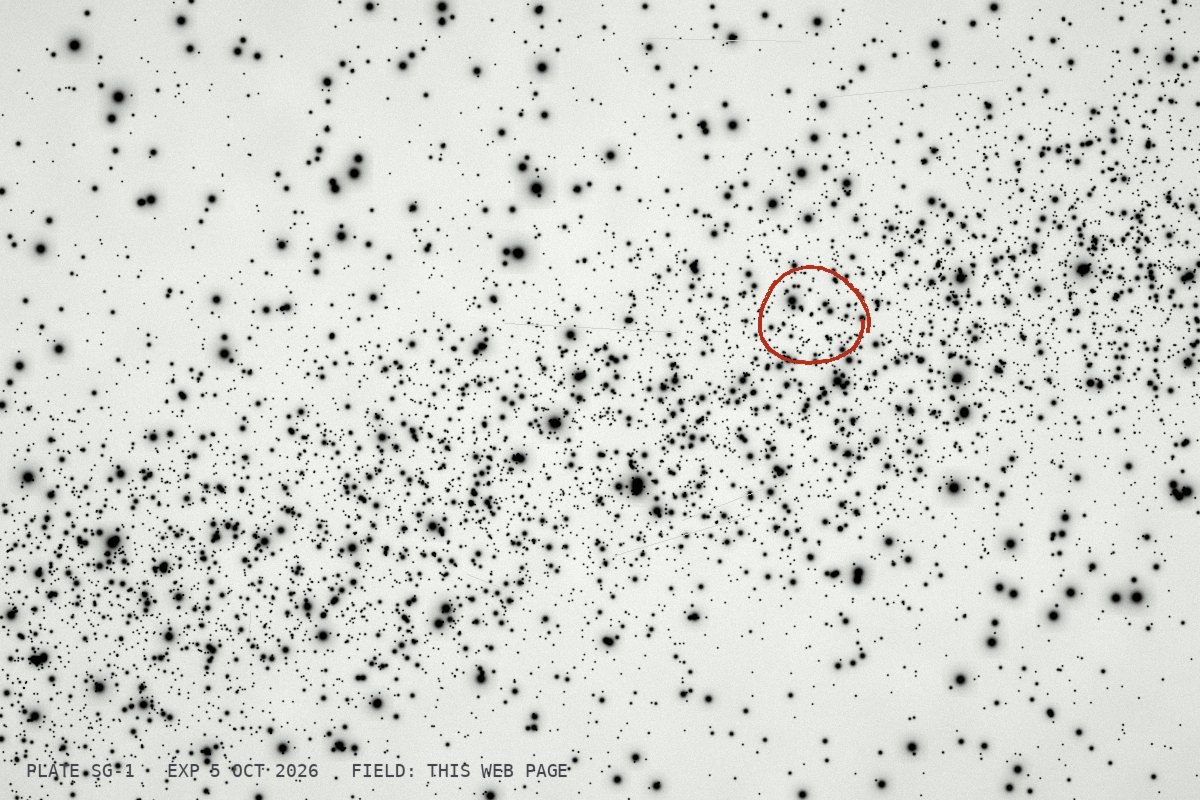 SG-1? appeared 5 Oct
Use it on any site
- Drag the Singularity button into your bookmarks bar. No bar? Press Ctrl Shift B, or ⌘ Shift B on a Mac.
- Open a website you like, or one you would rather never see again. Long articles feed the biggest disks.
- Click the bookmark. The first hole opens over the densest text. Click anywhere to open more, then press Esc when you want the page back.
Other ways in: the Chrome extension from the repository works on pages that block bookmarklets, and you can paste singularity.min.js into the DevTools console on any page. There is also a userscript with an Alt S shortcut.
What happens to the page
- Tidal disruption first 100 ms
- Each letter near the hole is lifted off the page and redrawn as a particle in the page's own font and colour. The text around it does not move, so the hole leaves clean gaps in the paragraph.
- Accretion 1 to 4 s
- Particles settle into orbit, stretch along their path and heat from ember red to blue-white before they cross the event horizon. Every four characters swallowed count as one token ingested.
- Growth
- The hole gains mass from everything it swallows. A young hole can only manage letters and icons. A grown one tears whole images, buttons and cards off the page and shatters them.
- Merger
- Drag one hole into another. They spiral in, merge, and radiate a gravitational wave that rips letters off the page along its front.
- Collapse Enter
- Every hole falls to the centre and eats whatever is left on screen. When it is done you get a card with the totals, ready to save and post.
- White hole Esc
- Time runs backwards. Every letter flies out and lands exactly where it was. The page underneath was never rewritten, so it comes back identical.
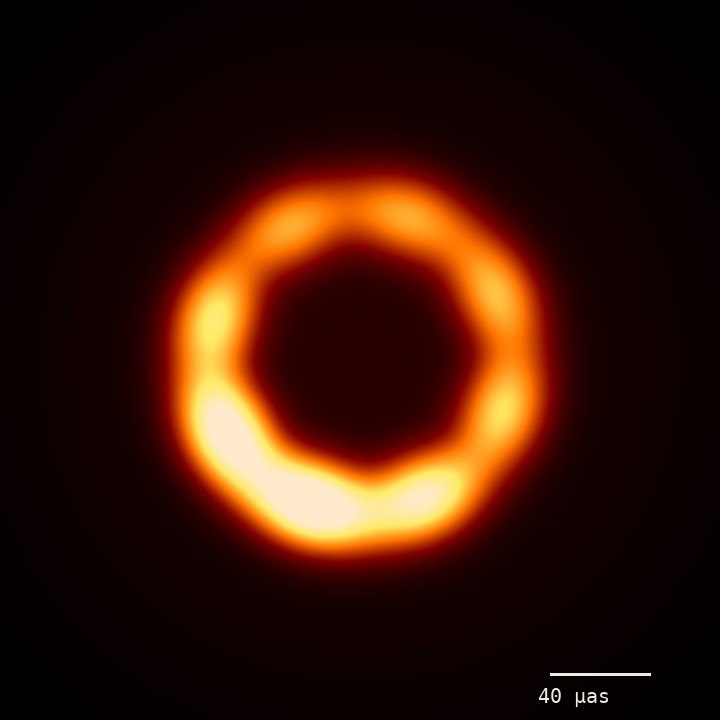 brighter where the disk comes toward us
Controls
| Input | What it does |
|---|---|
| Click | Open a black hole where you clicked. Up to seven at once. |
| Drag a hole | Move it around the page. Let go while moving to throw it. |
| Drag onto another hole | Merge the two. The bigger one keeps its spin. |
| Enter | Collapse everything into one hole and get the result card. |
| Esc | White hole: restore the page and switch Singularity off. |
| R | Restore the page and keep playing. |
| A | Autopilot: the hole wanders and eats its way down the page. Good for screen recordings. |
| H | Hide or show the panel in the corner. |
| M | Sound on or off. |
| P | Pause. |
| On a phone | Tap to open a hole, drag a hole to move it, scroll as usual. |
Field notes
| Where | What to try |
|---|---|
| Wikipedia | Long articles make the widest disks. Infobox photos shatter into triangles of glass. |
| GitHub | A README with screenshots. Code blocks fall apart one character at a time. |
| X | Your own timeline. Avatars, media and the follow buttons all go in. |
| News sites | Big headlines make the brightest streaks in the disk. |
| Your own site | Feed it, press Enter, save the card and post it. |
Under the hood
- The page is never rewritten. Letters are hidden with the CSS Custom Highlight API instead of being wrapped in new elements, so React and Vue apps keep working underneath.
- Glyphs keep their fonts. Each particle is drawn on a canvas with the page's own font, size and colour until the disk heats it up.
- Real lensing. The page bends around each hole through a
backdrop-filterwith an SVG displacement map, in browsers that support it. - Synthesized sound. The hum, the crackle and the merger chirp are generated with Web Audio. Nothing is downloaded.
- Strict CSP friendly. No eval, no remote scripts, no innerHTML. Styles go through CSSOM and constructed stylesheets.
- One file. About 61 KB minified, zero dependencies, MIT licensed. The bookmarklet stays under Firefox's 65,536-character limit.
Questions
Will it break the site?
No. It hides letters and redraws them, nothing else. Esc restores everything, and reloading the page always does.
Does it send anything anywhere?
No. It talks to no server and collects nothing. The only things it loads are the page's own background images, usually straight from the browser cache. Everything happens inside your tab.
I clicked the bookmark and nothing happened.
Some pages refuse bookmarklets: browser settings pages, the extension store, built-in PDF viewers. On a normal site, make sure the bookmark was dragged from this page and not typed by hand. The extension and the console method work everywhere else.
Can I use it on my phone?
On this page, yes: tap anywhere. Bookmarklets on phones are fiddly, so the full experience is on a desktop browser.
How are tokens counted?
One token for every four characters the hole swallows, plus images by area: width times height divided by 750, the way vision models count them.